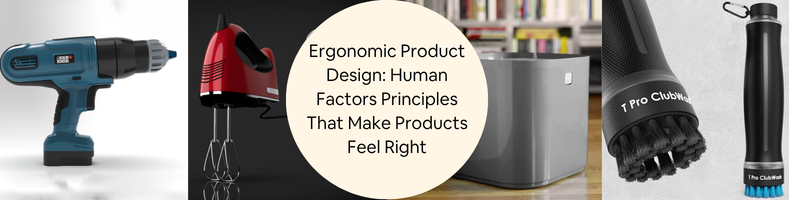
Today’s post covers the human factor principles for ergonomic product design services. Perhaps the single most important approach to designing commercial products is ergonomics, as it has everything to do with usability, which then directly impacts profitability. Ergonomics revolves around the notion that a tool, device, or product of any sort must be designed to accommodate the user’s needs instead of the other way around. It’s an idea of “fit for use” applied across the sensory domains, both cognitive and physical, based on the understanding that human factors play crucial roles in the product design process.
An ergonomically bad design may lead to physical strains, unnecessary cognitive load, and overall decreased comfort and impaired productivity. On the other hand, great ergonomics makes a product enjoyable to use and improves the experience as a whole. Designers and engineers must aim to build a product that’s safely and easily usable by the vast majority of people or at least the larger portion of the target demographics. They take into account the size, shape, looks, and feel of the product to make it as user-centered as possible. In other words, the product development project needs to put the user at the center of the design process with an intention to optimize accessibility. Ergonomics plays a huge role here as it serves as a design guideline to create a product that’s convenient, flexible, and welcoming.
Convenient because it’s usable by everyone with minimum effort, flexible because it’s adaptable to suit individuals’ preferences, and welcoming to the point where there’s little to no barrier to usage. The scope of ergonomics isn’t limited to physical interaction between the user and the product, which has everything to do with human anatomy. It also covers cognitive processes in product use such as reasoning and perception. Cognitive ergonomics may include the layout of clear text and symbols, intuitive user interface (important when interaction with a product happens based on information displayed on a screen), colors, etc.
RELATED: New Product Development Process: A Step-by-Step Guide from Concept to Products on Shelves
Ergonomics and anthropometrics
According to Henry Dreyfuss, an American industrial designer best known for his works on the Honeywell T87 Round Thermostat and the Western Electric Model 500, products are always meant to be used by people in so many different fashions. Products might be sat upon, looked at, ridden in, interacted with, activated, and basically operated for usage. When the point of contact between the user and the product turns into a point of friction, the industrial designer has failed.
Conversely, if the point of contact makes people more comfortable, eager, or simply happier to use and purchase the product, the industrial designer has succeeded. This particular “point of contact” is obviously about ergonomics, which is firmly grounded in anthropometrics. Every good designer worth their salt has to take into consideration the relationship between the two, so they can successfully implement it in their design.
Anthropometrics
It’s all about the measurements of the human body. Within the context of design, anthropometric data of the target demographics serve as points of reference, ensuring that the shape and form of a product are suitable for the people intended to use it. These data may include physical characteristics like height, weight, grip size, circumferences (head, neck, chest, waist, hip, etc.), limb lengths, reach, and more.
A lot of critical design decisions in new product design are often based on anthropometric statistics. For example, designing a handle for a lawn mower is largely based on the hand width and grip size data; building a workstation takes into account eye heights when a person is in a seated position so the monitor placement is appropriately safe and comfortable for the vast majority of users; the shape of a helmet must be designed to fit the wearer’ head circumference; car interior must allow comfortable seating with enough headroom, legroom, and reach envelope of the driver and passenger, and so forth.
RELATED: Photoreal CGI: What It Takes to Design Top-Quality Product 3D Renderings & Visualizations
But remember that manufacturers and designers want the product to be usable by as many people as possible, because that’s how they measure success. At the same time, it’s difficult to build something that every single person will be able to use with comfort. People have different heights, weights, and other physical characteristics. The anthropometric statistics are typically divided into categories as follows:
- The 5th percentile is 5% of people with smaller physicality
- The 50th percentile is people of average size
- The 95th percentile is 5% of people with larger-than-average size
For most NPD (New Product Development) projects, designing only for the “average” or the “50th percentile” category is often not enough, as it can be too restrictive in terms of marketability. A more robust approach is to design something that will accommodate the entire range, from the 5th to the 95th percentile, to improve the chances of the product fitting nearly the entirety of its intended users. Here is a common example of what anthropometric data (for adults) looks like:
| Body Parts(Adults Aged 19 to 60) | 5th percentile | 50th percentile | 95th percentile | |||
| Male | Female | Male | Female | Male | Female | |
| Hand length | 180 mm | 165 mm | 192 mm | 179 mm | 211 mm | 198 mm |
| Handbreadth | 85 mm | 71 mm | 90 mm | 78 mm | 98 mm | 85 mm |
| Forearm to hand length | 446 mm | 406 mm | 480 mm | 442 mm | 504 mm | 482 mm |
| Elbow to wrist length | 266 mm | 237 mm | 289 mm | 262 mm | 316 mm | 283 mm |
Anthropometric data is a crucial guide to ergonomic designs. Without detailed and accurate measurements of the physical characteristics of the target users, the resulting product might end up causing discomfort and pain at best, or injuries at worst. Sometimes ergonomics isn’t just the size and shape of the product. The materials, weight, textures, and positioning of buttons and controls also contribute to the overall user experience.
RELATED: 3D Product Rendering Costs and Visualization Rates for Services in 2026
Physical ergonomics
As self-explanatory as it might be, physical ergonomics primarily concerns the human physiological, anatomical, and biomechanical characteristics. Put within the context of product design, this translates into creating an object that can accommodate the user’s natural movements, physical strength, dimensions, and limitations.
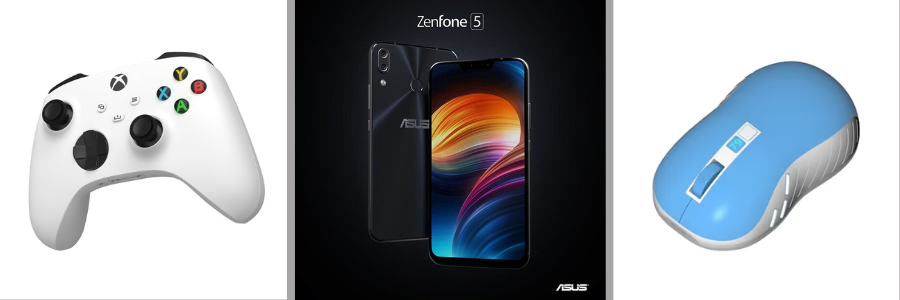
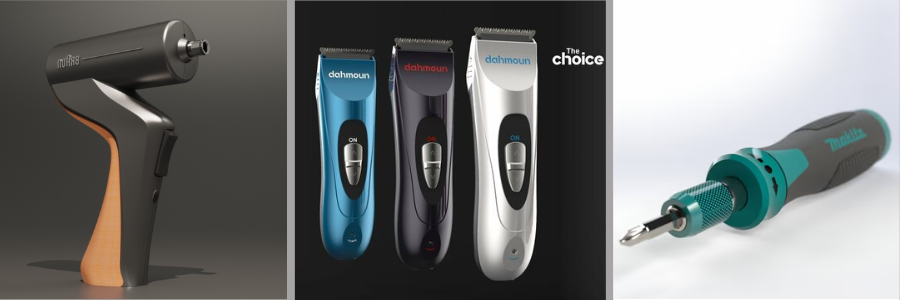
Take the design of a handheld tool or device, for example. Proper physical ergonomics requires the size and shape of the handle as well as the weight of the entire device to be just right to ensure a secure grip while minimizing muscle strain. If the device also has switches and buttons for control, the positioning and dimensions of the parts also contribute to physical ergonomics. Whether the electronic device is supposed to be operated using one hand or two hands, every button must be easily accessible without losing grip on the device itself.
Here are a few more examples:
- A designer is working on an emergency stop button to be installed in an industrial facility. Like every emergency button, it has to be clearly visible and must allow quick pressing with minimum effort using the entire palm of the hand. Based on the anthropometric data above, the designer finds that the handbreadth measurements of the users’ demographics stand between 71 mm (smallest, female) and 98 mm (biggest, male). If the button is supposed to be easily and quickly operable using the entire palm, it needs to be at least 98 mm in width (or diameter, depending on the shape). An emergency button smaller than the handbreadth of the 5th percentile of the population might not be as accessible. A larger button than the handbreadth of the 95th percentile can work just fine, but it’s not a cost-efficient approach to design.
- A design engineering expert is designing safety gloves for everybody in the factory to wear. Instead of trying to make multiple sizes of gloves, the factory decides that it can only make one-size-fits-all models because of budget constraints. Using the information from the anthropometric table, the hand lengths of the population are from 165 mm (shortest, female) to 211 mm (longest, male). Based on the data, the engineer determines that every pair of gloves needs to have a minimum length of 211 mm, so that it may accommodate the majority of the population. Some workers might find the gloves too big, but still it’s a better compromise than wearing gloves that don’t fit at all.
RELATED: Top 20+ Co-Creation & Design Crowdsourcing Platforms with Product Innovation Experts
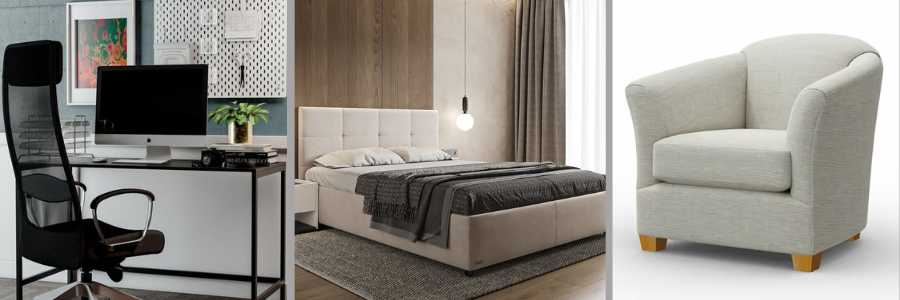
Again, anthropometric data is crucial, but biomechanics isn’t something product designers can just ignore either. Among the most important considerations are posture (when using the product, such as standing upright or seated), how the user is expected to interact with the object or product, the repetitive movements involved in the interaction, and the amount of force required to operate the product. With all of those in mind, physical ergonomics demands that any kind of interaction with the product must feel natural and comfortable to the user. Biomechanics guides the designer to build a product that works with (rather than against) human physicality. Another one of the most commonly cited examples of physical ergonomics design is a person sitting at a computer desk.
It measures just about everything that may affect the person’s comfort level at work. Seat height must be adjustable so the person’s feet can lie flat on the floor while sitting down, without restricting access to the desktop. The sitting position itself should be flexible by adjusting the backrest and armrests because the correct sitting position with good posture allows for a better viewing angle of the screen and minimum strain on the body. The table height should allow the person to reach the keyboard and mouse with minimum strain on the hand and shoulder. Some computer desks offer height adjustability as well. Distance between the desk and the chair also matters because the user shouldn’t have to stretch the arms to reach the keyboard, mouse, and possibly other peripherals. The monitor height and viewing angle make it easy for the person to see the screen without any discomfort in the neck, eyes, and back.
About clearance and reach
Physical ergonomics isn’t always about the shape and form of a physical product and its relation to human biomechanics. In many cases, it also touches on the subject of distance, or more specifically “clearance” and “reach.” Think of clearance as an opening or a doorway where a user needs to go through to reach a specific area. In the context of physical ergonomics, clearance is the minimum dimension of the opening required to allow a user to enter or exit safely. In real-world scenarios, the term “clearance” might need further definitions depending on the specifics of the applications. Product engineers should consider the following definitions:
RELATED: The Hardware Product Development Process: 7 Stages From Concept to Mass Production
- The vertical space between the floor and the lowest positioned overhead obstruction (doesn’t have to be the ceiling). A safe clearance means the minimum available vertical space that allows the tallest user to go through in a safe and comfortable fashion. When measuring the height of a user for this purpose, it must include any footwear and personal protection equipment.
- The horizontal space between the right and left walls, or between obstructions that may prevent a person from going through an opening. A safe clearance is the safe minimum distance that allows the widest person (plus room for comfortable movement) to enter or exit an area. Horizontal clearance must be designed with inclusivity in mind. For example, a person in a wheelchair might require wider horizontal clearance.
- The distance between an unprotected hazard and an accessible point. Safe clearance refers to the fact that the accessible point is still well clear of the hazard even for the tallest person with the longest limbs (think of the guardrail that separates an area from large rotating machinery in a factory). In some cases, clearance can also mean the width of an opening that prevents users or their body parts from entering a hazardous area, such as grill openings in fans or computer cases.
Reach, meanwhile, is the three-dimensional space around a user’s position in any given location. If a user is in a seated position at a desk, the reach is as far as the arms and legs can stretch out without moving to a different place. Also commonly referred to as “workplace envelope,” the idea behind this is for the product concept designer to design every product or object to ensure comfortable reach for the user. Unlike with physical ergonomics, where a product is designed for everybody from the 5th to 95th percentile, the workplace envelope is geared towards the 5th percentile, because then it also means everybody else with larger physical characteristics can operate the product within the envelope.
RELATED: Modular Product Design: How Platforms and Upgradeable Parts Cut Development Costs
About ambidextrous design
Quite a lot of products are ambidextrous, or in other words, designed for both left-handed and right-handed users without add-ons or modifications. Pencils, rackets, balls, cellphones, remote controls, water bottles, kitchen tools, and many other handheld devices in fact have ambidextrous designs. Still, the large majority of products are designed primarily for right-handed users. Think of common everyday products like scissors, ballpoint pens, power tools, typical computer mice and keyboards, cameras, manual can openers, motorcycles, guitars, the lot. DSLR cameras are probably the most obvious example, as the shutter and most control buttons are positioned for right-handed users.
But this doesn’t mean that products can’t be made in an ambidextrous fashion. One of the biggest offenders when it comes to DFM services in this matter, is a ruler. For left-handed users, the conventional ruler is a pretty annoying instrument. But then again, it’s also the case with ballpoint pens and the left-to-right writing direction of Latin script. Ballpoints are supposed to be pulled across the page using the right hand, not pushed forward using the left hand. A truly physically ergonomic product shouldn’t exclude any user. While this isn’t always possible with every product, a ruler is almost definitely a good candidate for ambidextrous design.
Standard rulers have the measurement scales oriented for left-to-right reading that naturally aligns with right-handed use. When used by a left-handed person, the scales might appear inverted or generally awkward to read. An easy solution would be two-sided rulers where the scales are written on both sides; one side for right-handed use, and another for left-handed people. If the users are not ambidextrous, they can just flip the ruler around for the most comfortable use. But no left-handed people are complaining, at least not as loudly as it could be simply because they’ve learned to live with how things work. And for companies and 3D designers, it’s never really a question because around 90% of the world’s population is right-handed anyway.
RELATED: Top 15 Misconceptions on Outsourcing New Product Design for Physical Products & Goods
Cognitive ergonomics
If physical ergonomics concerns design for the body, cognitive ergonomics is about designing for the mind. Instead of focusing on the physical interaction between the user and the product, it revolves around the idea of mental processes being an influential factor that affects usability and comfort. Key considerations include attention, memory, reasoning, motor response, and perception. Cognitive ergonomics is often cited in discussions about digital products, especially the UI (user interface) in software, applications, or website development, but it is also perfectly applicable in the design of physical products.
Even if a product doesn’t have a screen or digital interface of any sort, cognitive ergonomics maintains its relevance to more conventional control systems such as the layout of buttons, the use of text or symbols, and feedback mechanisms. An easy example is keyboard layout. Related buttons are grouped together in their own specific column and rows, such as the Fn (Function keys at the top and additional control keys (Caps Lock, Shift, Esc, and Enter in the left and right columns. If the keyboard has a dedicated Numeric Keypad, it’s usually isolated on the right-hand side.
The idea is to reduce the mental workload from operating the product and minimize chances of mistakes because the interaction feels natural and intuitive (although admittedly the Num Pad on the right-hand side doesn’t favor left-handed users). The use of standardized icons or symbols, clear auditory and visual feedback with soft blinking lights or beeping sounds, and appropriately sized buttons are all parts of cognitive ergonomics.
Closing thoughts
A major part of physical and cognitive ergonomics design is inclusivity. 3D Product designers should aim to build a product that can be easily, comfortably, and beneficially used by as large a target demographic as possible, including people who may otherwise be marginalized. It’s true that companies often target users categorized between the 5th and 9th percentile, but this doesn’t mean anyone outside the groups is excluded. But because designing specific sizes, shapes, and specifications for the outliers can be expensive in mass production, designers may devise adjustability options or other accommodations such as add-ons or extensions for the standard product to save cost, without negating the usability aspect.
RELATED: How to Create a Prototype: A Step-by-Step Guide From Idea to Manufacturing-Ready Model
How Cad can help
Ergonomics analysis, both physical and cognitive, based on anthropometric data has always been an integral part of the product development process at Cad Crowd. For more than 15 years, the platform has served the industry as a major design hub to connect clients with some of the experienced industrial designers, engineers, and NPD professionals from all around the world. Contact us for a free quote today.