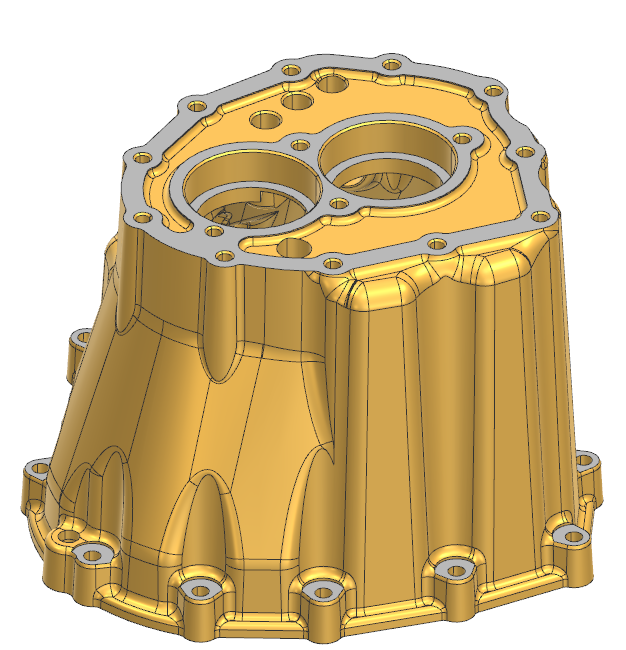
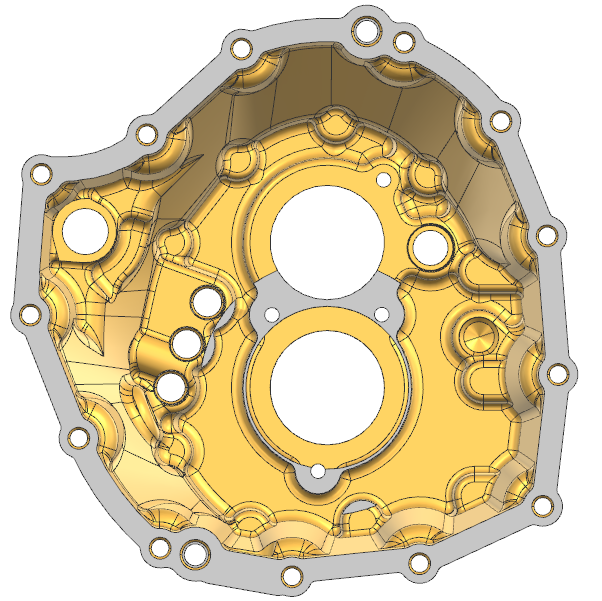
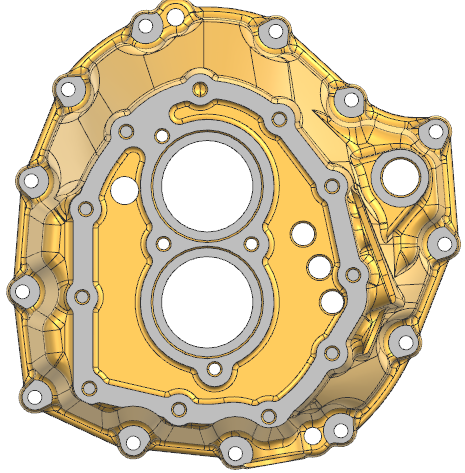
I totally understand your situation — reverse-engineering a complex bellhousing like this can feel overwhelming at first! The good news is that it’s absolutely doable if you break it down step by step.
Here are a few tips to help you get started:
✅ 1. Identify the main features first:
Look for the biggest and simplest shapes that define the part — for a bellhousing, this is usually the main cylindrical section, the flange, and the bolt hole pattern. Start with these as your base sketches.
✅ 2. Work from simple to complex:
Once you have the main cylinder and flange, add the larger holes and bosses. Then, move on to the smaller details like fillets, ribs, pockets, and additional holes.
✅ 3. Use reference planes and symmetry:
Most bellhousings are symmetrical. Use planes and mirror features to save time and keep things parametric.
✅ 4. Import the mesh or surface as reference:
Bring the non-parametric model into your CAD as a reference body. Use it to trace sketches and measure dimensions directly — this will help you match the curves and contours more accurately.
✅ 5. Take it step by step:
Don’t try to rebuild everything in one go. Create a rough version first and refine the details as you go.
If you’re comfortable, you can share which CAD software you’re using — I or someone else here can probably give more specific workflow tips for that tool.
Good luck! This is great practice for learning how complex cast parts are designed.