


3D

mouse


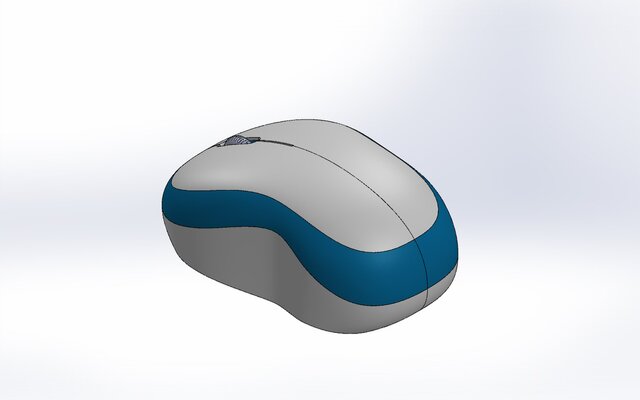
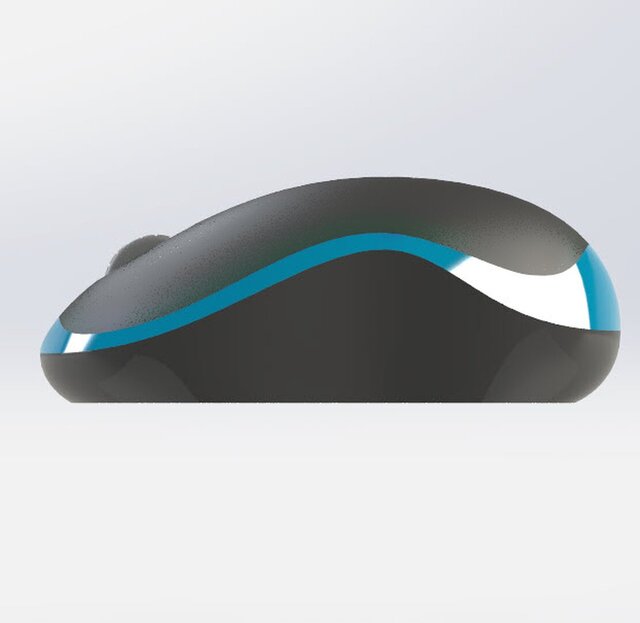
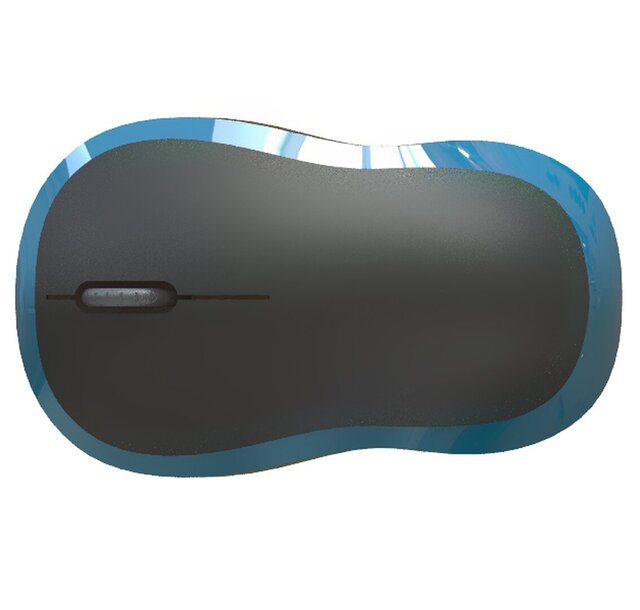
When designing a computer mouse in SolidWorks, it’s essential to consider the surface modulus of the materials used for the mouse’s outer casing, as it influences ergonomics, durability, and performance. Start by selecting appropriate materials from the SolidWorks material library, such as ABS plastic for the body and rubber for grips, ensuring they have the desired modulus properties. Utilize sketching and 3D modeling tools to create the mouse’s ergonomic shape, and apply surface features or textures to enhance grip. Perform stress and deformation analysis using SolidWorks Simulation to evaluate how the materials will respond under user loads. Prototyping through 3D printing can help test the design before finalizing technical drawings that document material properties, including surface modulus, ensuring the product balances aesthetic appeal with functional performance.
Files (5)
License:
CC - Attribution
Learn more
Published